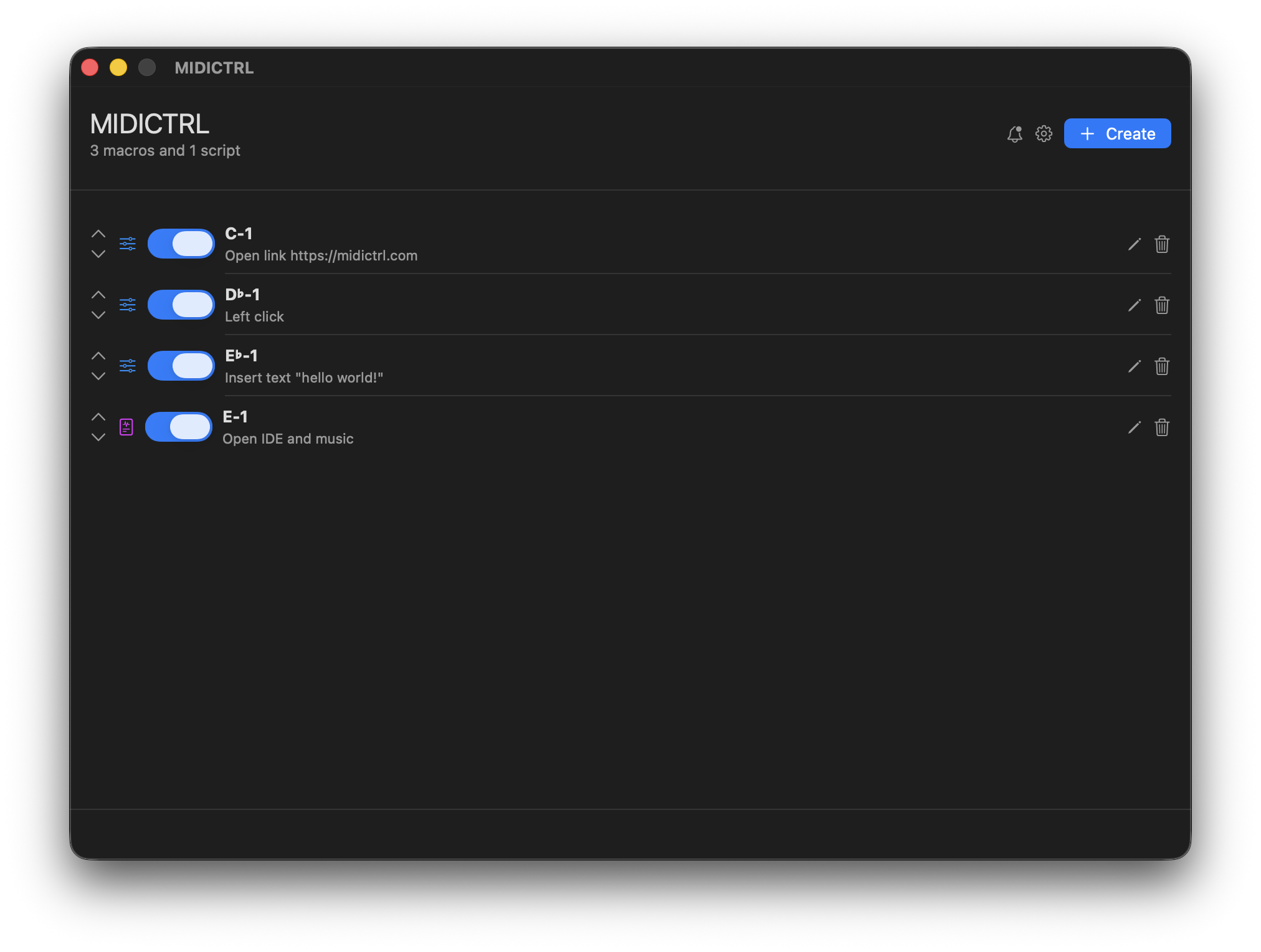
What is MIDICTRL?
Available now for MacOS, MIDICTRL lives in your menu bar and turns any MIDI controller into a powerful automation tool. You can create custom macros and trigger them with MIDI notes, knobs, or pads.
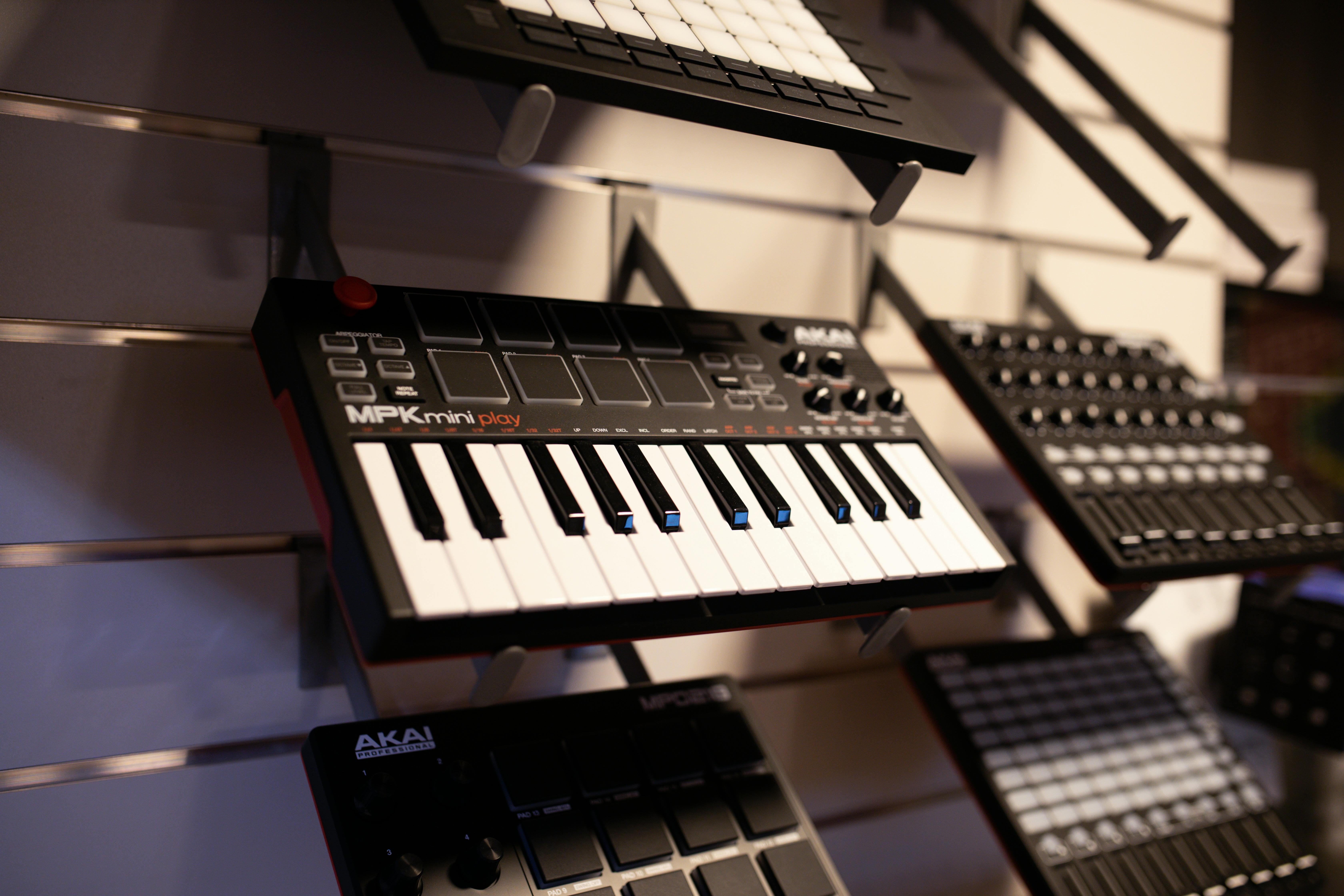
Use any MIDI device
Turn any MIDI device into a custom macro pad
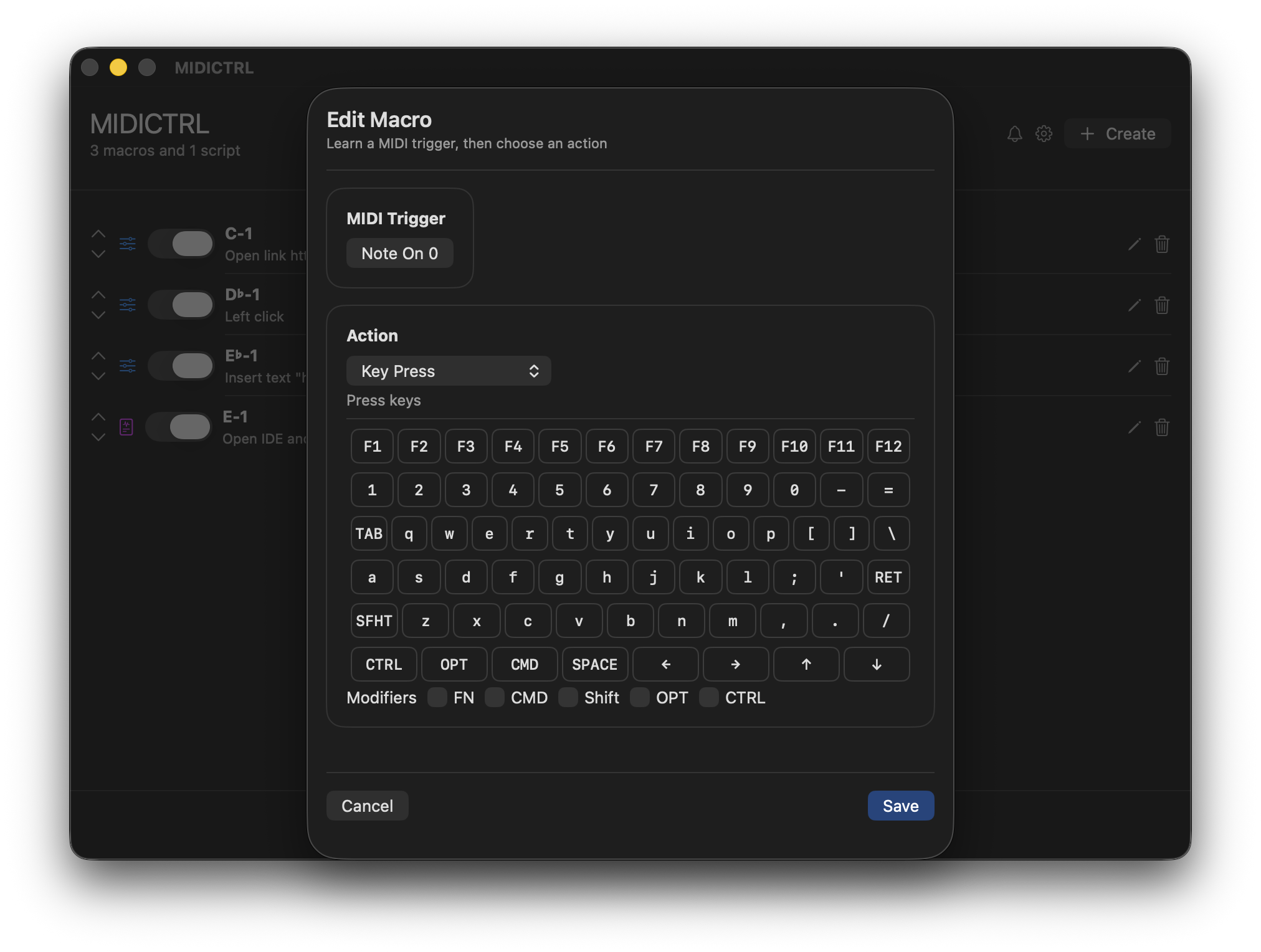
Easy to use editor
Select MIDI trigger, action, and edit settings
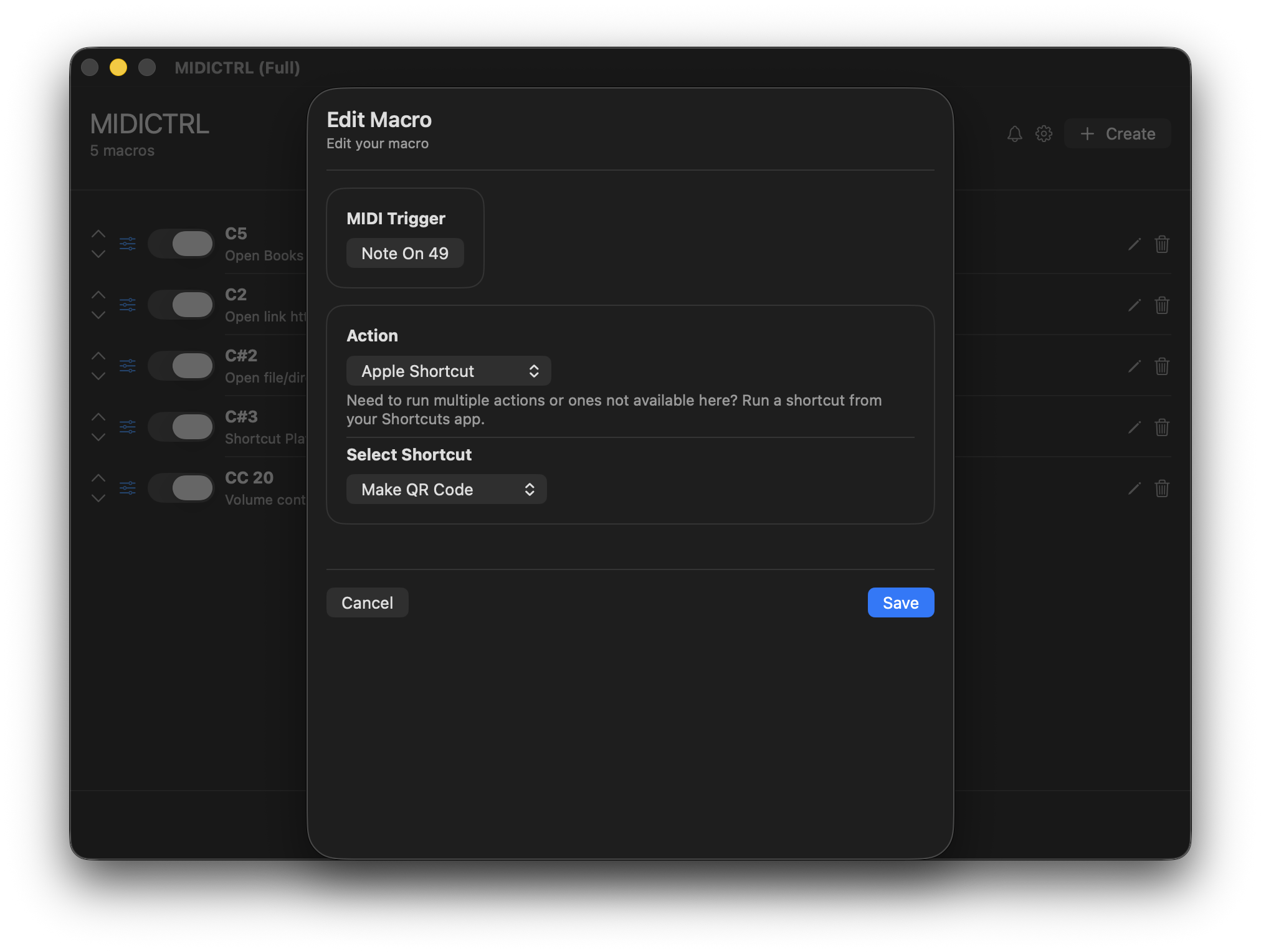
Shortcuts App Support
Create more powerful macros by triggering shortcuts from the system Shortcuts app.
Open App
Open any app instantly
System Shortcut
Execute a system shortcut from your Shortcuts app.
Open Link
Open a link in your default browser
Mouse Control
Move and click your mouse
Key Press
Press any key, a combination of keys, or insert text
And More
System shortcuts, volume control, and more!
Pricing
Free
$0
- Open apps, links, and files
- Control your mouse
- Send key presses and insert text
- Limit 5 macros and 1 script
Full
$0.99
- Open apps, links, and files
- Control your mouse
- Send key presses and insert text
- Unlimited macros and scripts